HALLOWEEN · PIXEL ART
Halloween Pixel Art
Updated October 2026
Twenty-seven original Halloween designs, from a glowing jack-o-lantern to a little trick-or-treater in a sheet. Each one is a real grid, not a picture of one: open it in the editor to recolour or redraw it, download it as a PNG, or turn it into Perler beads, cross stitch or a LEGO mosaic with the colours you can actually buy.
- 27 designs
- Free, no sign-up
- Pixel art, beads, stitch
Original designs by the MakeBead studio: drafted with an image model, then rebuilt cell by cell on a clean grid so every pixel is one colour.
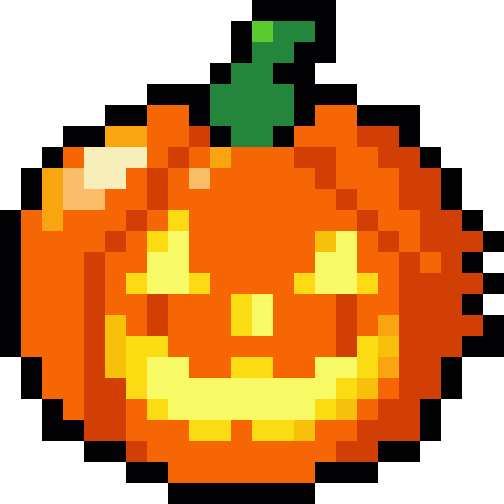
Classic Halloween pixel art
The nine shapes everyone reads as Halloween at a glance: a carved pumpkin, a sheet ghost, a bat, a black cat, a witch hat, a skull, candy corn, a spider and a bubbling cauldron.
Jack-o'-lantern
24×24 · 11 colours · 402 pixels
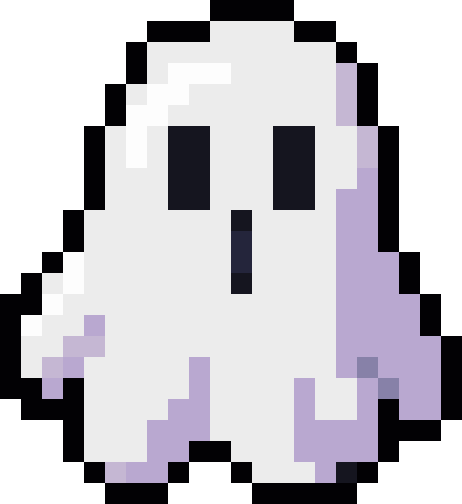
Ghost
22×24 · 8 colours · 374 pixels
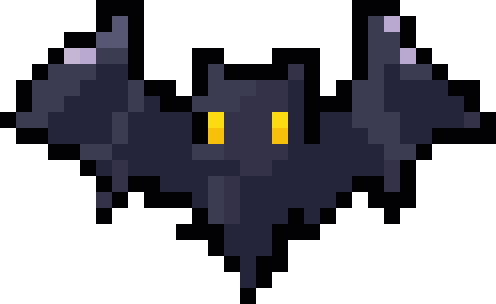
Bat
31×19 · 9 colours · 291 pixels
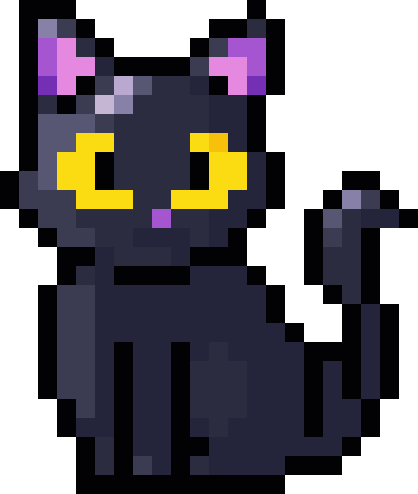
Black cat
22×26 · 13 colours · 382 pixels
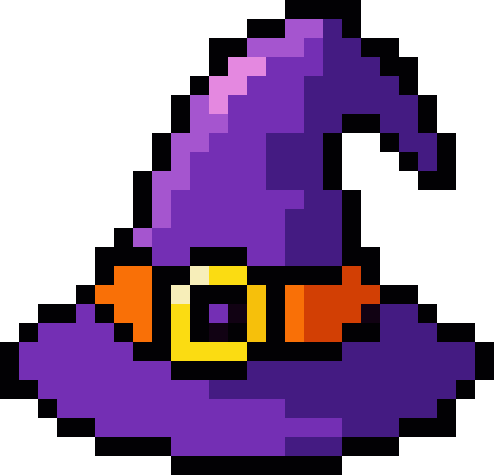
Witch hat
26×25 · 11 colours · 386 pixels
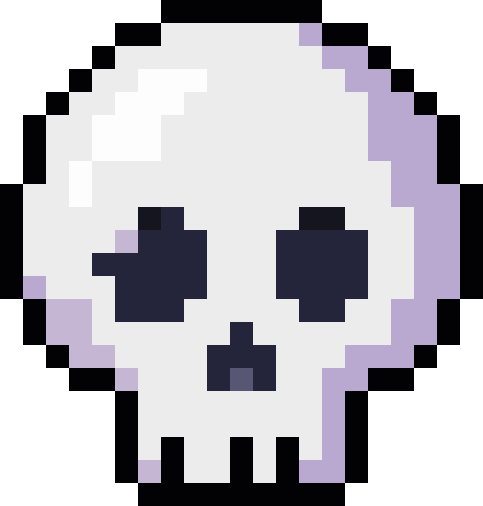
Skull
21×22 · 8 colours · 348 pixels
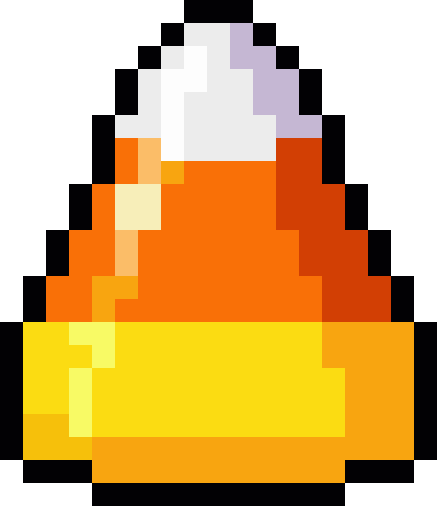
Candy corn
19×22 · 12 colours · 298 pixels
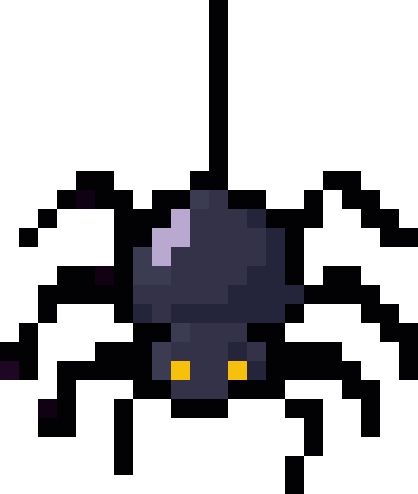
Spider
22×26 · 8 colours · 187 pixels
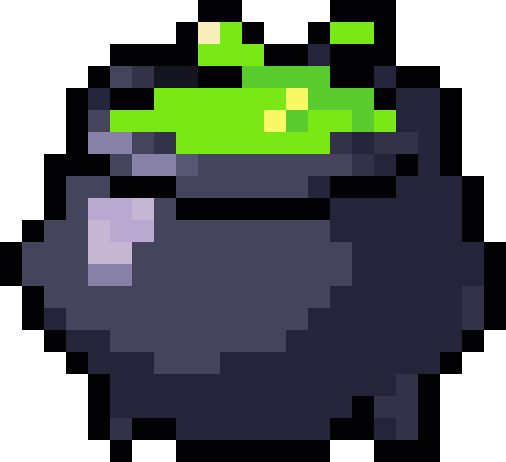
Cauldron
23×21 · 13 colours · 363 pixels


They are the easiest place to start: each uses 15 colours or fewer, and every one but the bat fits on a single large pegboard. The silhouettes are simple enough to stay recognisable at keychain or sticker size.
Cute Halloween characters
Nine small full-body figures in the same style, so they line up as a set: a mummy, a vampire, a witch with her broom, a skeleton, a zombie, a patchwork doll, a werewolf, a pumpkin-head scarecrow and a trick-or-treater dressed as a ghost.
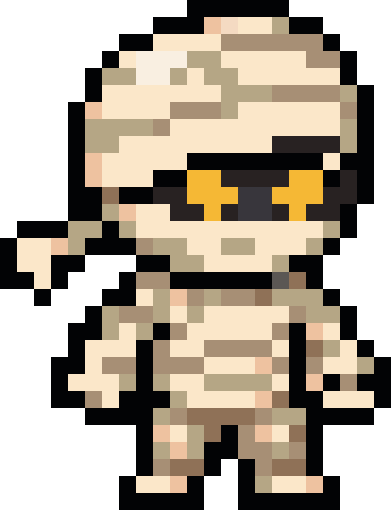
Mummy
23×30 · 12 colours · 471 pixels
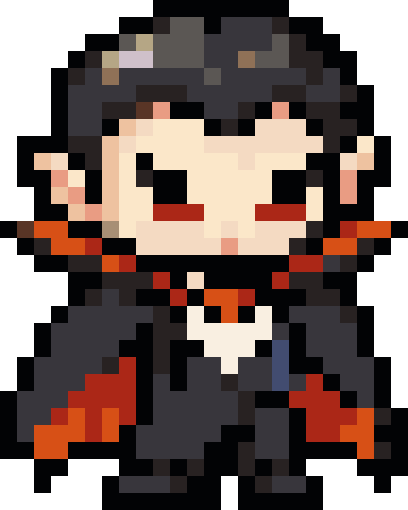
Vampire
24×30 · 17 colours · 573 pixels
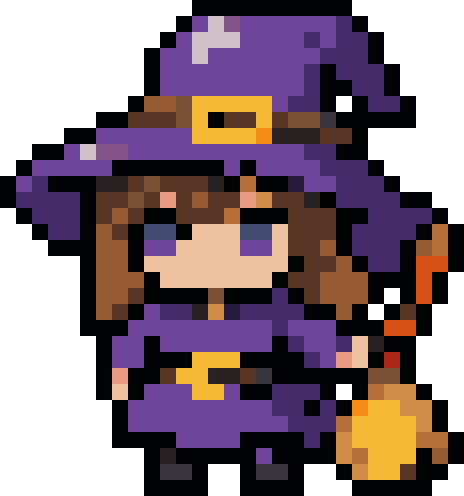
Witch
29×31 · 20 colours · 619 pixels
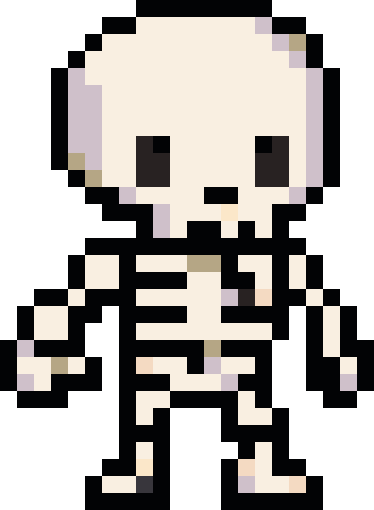
Skeleton
22×30 · 8 colours · 419 pixels
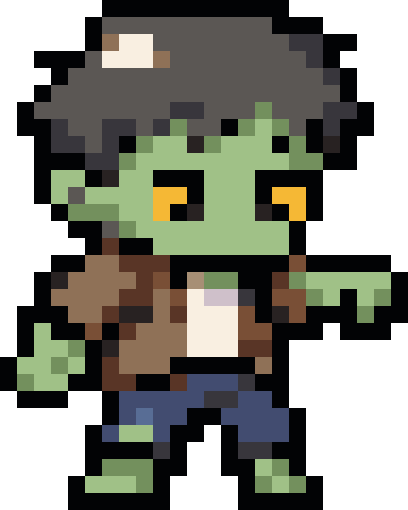
Zombie
24×30 · 15 colours · 493 pixels
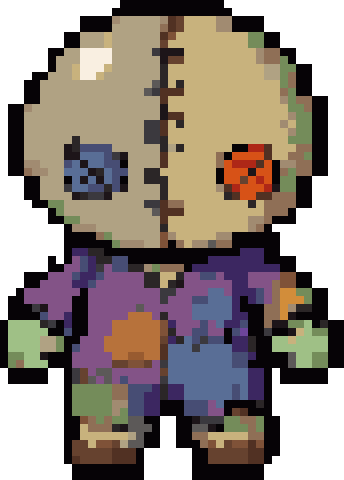
Patchwork doll
43×60 · 25 colours · 1,945 pixels
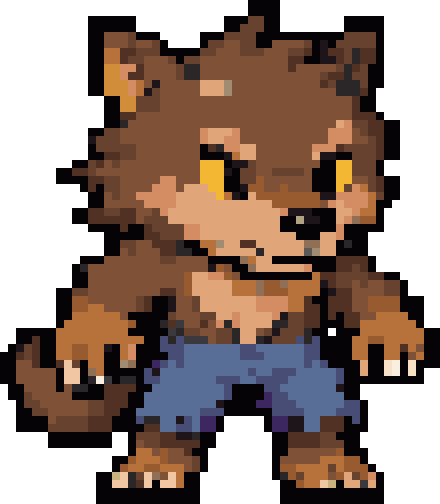
Werewolf
55×63 · 24 colours · 2,331 pixels
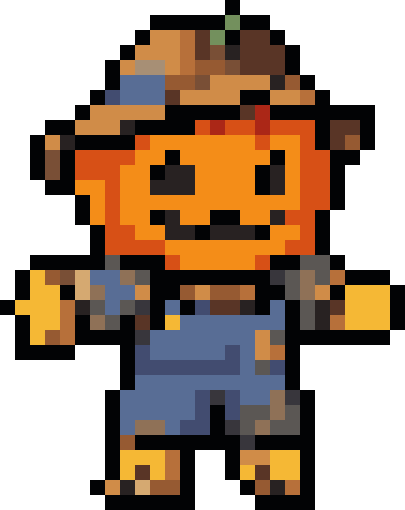
Pumpkin scarecrow
27×34 · 19 colours · 561 pixels
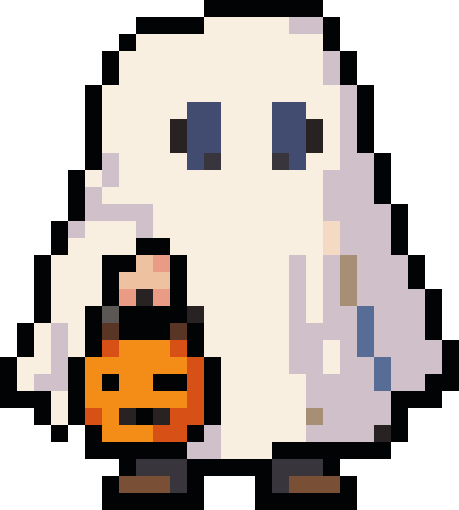
Trick-or-treater
27×30 · 16 colours · 570 pixels


Characters carry more detail in their faces, so they use more colours than the icons, and most need two pegboards stacked. If you are making one in beads, keep the eyes and mouth exactly as drawn and simplify the clothes first.
Halloween candy and props
Candy, decorations and spooky props to fill out a scene or a sticker sheet: a pumpkin candy bucket, a swirl lollipop, a wrapped sweet, a caramel apple, a tombstone, a haunted house, a broomstick, a potion bottle and a dripping candle.
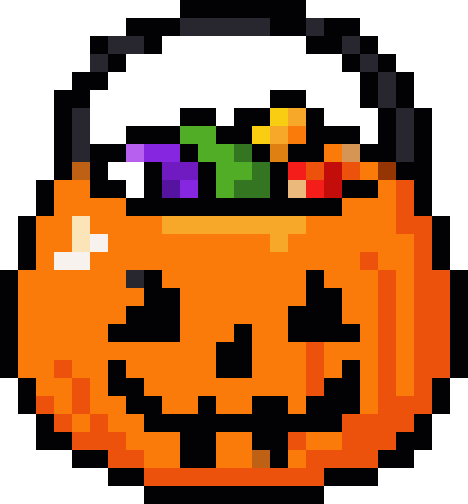
Candy bucket
26×28 · 21 colours · 522 pixels
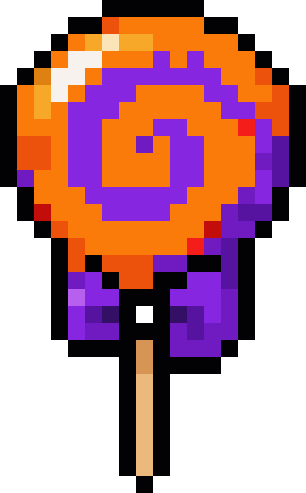
Lollipop
18×29 · 16 colours · 318 pixels
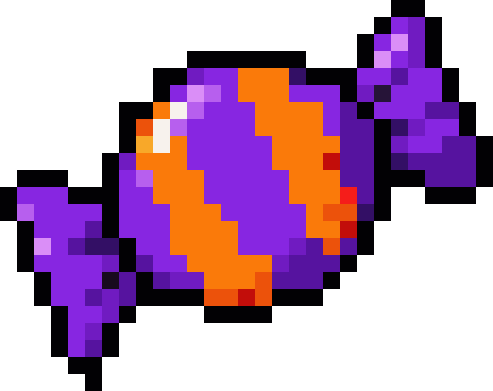
Wrapped candy
29×23 · 15 colours · 338 pixels
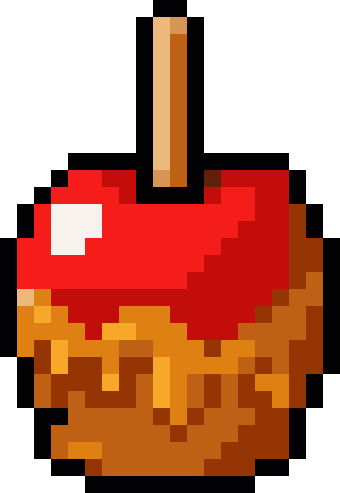
Caramel apple
20×29 · 11 colours · 381 pixels
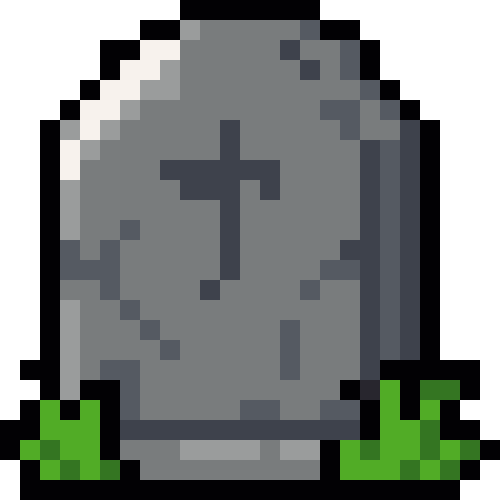
Tombstone
25×25 · 9 colours · 481 pixels
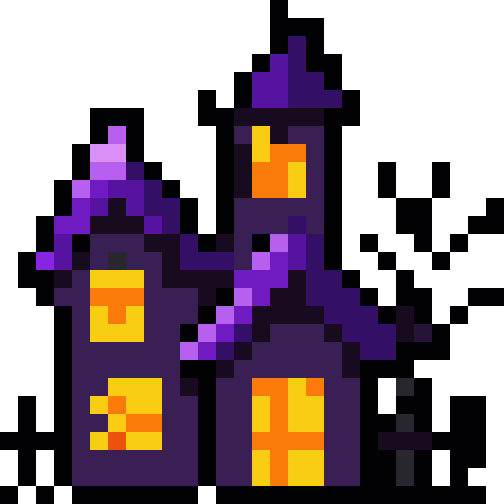
Haunted house
28×28 · 14 colours · 461 pixels
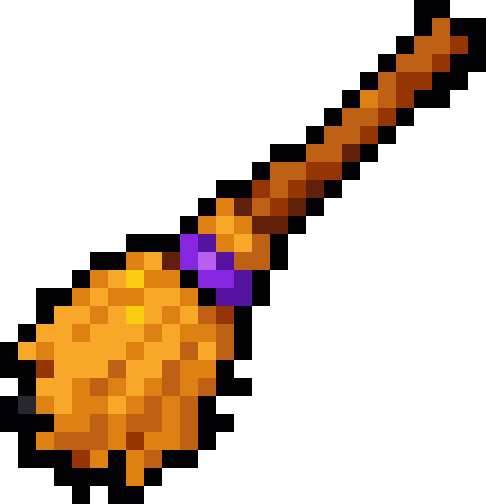
Broomstick
27×28 · 11 colours · 236 pixels
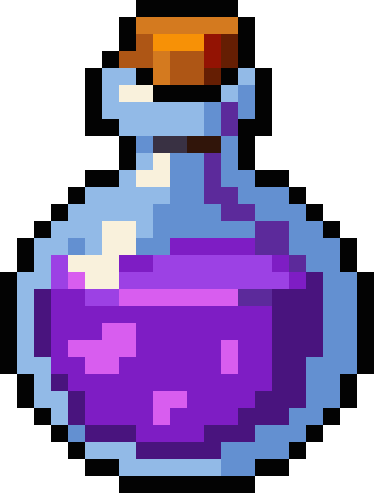
Potion bottle
22×29 · 16 colours · 431 pixels
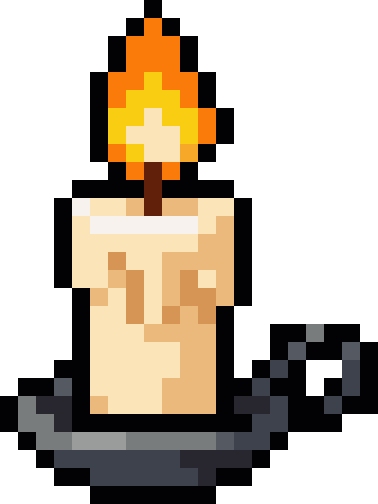
Candle
21×28 · 14 colours · 288 pixels


Thin details such as the bucket handle, the broom bristles and the candle holder are one pixel wide. In beads they hold together fine once ironed; in cross stitch, stitch them last so they sit on top.
How big each design comes out in beads and cross stitch
A pixel becomes one bead, one stitch or one diamond, so the grid size is the whole plan. The table below is worked out from each design: how many pixels it fills, how many large square pegboards it spans, and how large it ends up.
The Perler button on each design opens it in the bead converter at exactly its own size, with every colour matched to a real bead, so you get the colour codes and a count for each bag. Cross stitch does the same with DMC thread.
| Design | Grid | Beads / stitches | Pegboards | Perler size | 14-count Aida |
|---|---|---|---|---|---|
| Jack-o'-lantern | 24×24 | 402 | 1 | 12 × 12 cm | 4.4 × 4.4 cm |
| Ghost | 22×24 | 374 | 1 | 11 × 12 cm | 4 × 4.4 cm |
| Bat | 31×19 | 291 | 2 | 15.5 × 9.5 cm | 5.6 × 3.4 cm |
| Black cat | 22×26 | 382 | 1 | 11 × 13 cm | 4 × 4.7 cm |
| Witch hat | 26×25 | 386 | 1 | 13 × 12.5 cm | 4.7 × 4.5 cm |
| Skull | 21×22 | 348 | 1 | 10.5 × 11 cm | 3.8 × 4 cm |
| Candy corn | 19×22 | 298 | 1 | 9.5 × 11 cm | 3.4 × 4 cm |
| Spider | 22×26 | 187 | 1 | 11 × 13 cm | 4 × 4.7 cm |
| Cauldron | 23×21 | 363 | 1 | 11.5 × 10.5 cm | 4.2 × 3.8 cm |
| Mummy | 23×30 | 471 | 2 | 11.5 × 15 cm | 4.2 × 5.4 cm |
| Vampire | 24×30 | 573 | 2 | 12 × 15 cm | 4.4 × 5.4 cm |
| Witch | 29×31 | 619 | 2 | 14.5 × 15.5 cm | 5.3 × 5.6 cm |
| Skeleton | 22×30 | 419 | 2 | 11 × 15 cm | 4 × 5.4 cm |
| Zombie | 24×30 | 493 | 2 | 12 × 15 cm | 4.4 × 5.4 cm |
| Patchwork doll | 43×60 | 1,945 | 6 | 21.5 × 30 cm | 7.8 × 10.9 cm |
| Werewolf | 55×63 | 2,331 | 6 | 27.5 × 31.5 cm | 10 × 11.4 cm |
| Pumpkin scarecrow | 27×34 | 561 | 2 | 13.5 × 17 cm | 4.9 × 6.2 cm |
| Trick-or-treater | 27×30 | 570 | 2 | 13.5 × 15 cm | 4.9 × 5.4 cm |
| Candy bucket | 26×28 | 522 | 1 | 13 × 14 cm | 4.7 × 5.1 cm |
| Lollipop | 18×29 | 318 | 1 | 9 × 14.5 cm | 3.3 × 5.3 cm |
| Wrapped candy | 29×23 | 338 | 1 | 14.5 × 11.5 cm | 5.3 × 4.2 cm |
| Caramel apple | 20×29 | 381 | 1 | 10 × 14.5 cm | 3.6 × 5.3 cm |
| Tombstone | 25×25 | 481 | 1 | 12.5 × 12.5 cm | 4.5 × 4.5 cm |
| Haunted house | 28×28 | 461 | 1 | 14 × 14 cm | 5.1 × 5.1 cm |
| Broomstick | 27×28 | 236 | 1 | 13.5 × 14 cm | 4.9 × 5.1 cm |
| Potion bottle | 22×29 | 431 | 1 | 11 × 14.5 cm | 4 × 5.3 cm |
| Candle | 21×28 | 288 | 1 | 10.5 × 14 cm | 3.8 × 5.1 cm |
Pegboards are the large 29×29 square. Perler midi beads sit 5 mm apart; 14-count Aida is 14 stitches to the inch. Sizes are the design itself, before any border.
The Halloween palette
These are the colours the 27 designs use most, measured from the drawings rather than picked beside them. A near-black outline, a warm white and pumpkin orange do most of the work, with deep purples and a dark navy for night, browns and khaki for wood, bandages and straw, and a pale lilac where white things fall into shadow.
#020104#24253B#F9EFE1#7F5238#C8B27D#FA7A0A#474D74#797C7D#441B82#596E96#513123#CFC0CA#835387#8726E1
Two rules keep them looking like Halloween rather than a muddle. Keep the background dark or empty so the orange glows, and use purple instead of plain grey for shadows on white things, which makes a ghost look cold instead of dirty.
How to draw your own Halloween pixel art
Every design on this page was built with the same few moves, and you can repeat them in the free pixel art editor. If you are new to pixel art, the pixel art guide covers each idea in depth.
- Block the silhouette. Fill the whole shape in one mid colour. If you cannot tell it is a bat or a cat from the outline alone, fix the shape before adding anything else.
- Outline it. A one-pixel dark outline, never doubled at the corners. Halloween art can use near-black instead of pure black so the outline stays softer than the shadows.
- Light from one side. Pick top left, then add one lighter shade on that side and one darker shade on the other. Every design here is lit the same way, which is why they look like a set.
- Add the face last. Eyes and mouths decide the mood. Move a single pixel of the mouth and a cheerful pumpkin turns menacing, so try two or three versions before you settle.
- Cut the colours. Merge shades that sit close together. Fewer colours make cleaner pixel art and a shorter bead shopping list.
Start smaller than you think: a 16×16 pumpkin with three oranges and a black outline reads better than a 64×64 one with twenty shades. Grow the canvas only when a detail truly needs the room.
Make it move
A ghost that bobs, a candle that flickers or a pumpkin that winks takes two to four frames. Open any design in the sprite maker, duplicate the frame and change a few pixels in each copy, then download the result as a looping GIF.
Open the sprite makerQuestions
Are these Halloween pixel art designs free to use?
Yes. Make them, bead them, stitch them or sell what you make from them. They are original designs by MakeBead, not characters from a film or game, so there is no licence to worry about.
What size should Halloween pixel art be?
For icons and stickers, 16×16 to 32×32 is plenty, and most designs here sit in that range. Two with fine detail (the patchwork doll and the werewolf) are about twice that size; open them in the editor and simplify them if you want something faster to bead.
How do I turn a design into Perler beads?
Press the Perler button under the design. It opens in the bead converter at its own size with every colour matched to a real Perler bead, shows the bead codes and counts, and lets you print a chart page by page.
Can I change the colours?
Press Edit to open the design in the pixel art editor. The fill tool recolours a whole area in one click, and the Replace tool swaps one colour for another across the whole design.
Can I use them in my own game?
Yes. The PNG is transparent around the design and scaled up so each pixel is a solid square block; scale it back down with nearest-neighbour in any editor, or open the design here and export it one pixel a cell.